

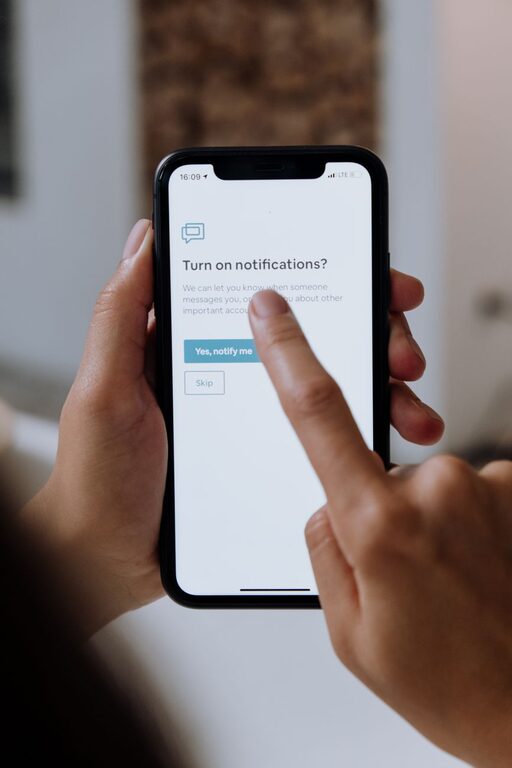
In our always-connected world, notifications can quickly become overwhelming. From social media pings to work emails and app alerts, these constant interruptions may affect your focus, stress levels, and overall well-being. Setting boundaries with notifications is essential to regain control over your digital life and create a healthier relationship with technology.
In this post, we explore effective strategies to help you manage notifications more mindfully, improve productivity, and enjoy moments free from distraction.
Why Set Boundaries with Notifications?
Notifications are designed to grab your attention, often interrupting tasks or conversations. Without limits, this can lead to:
– Reduced concentration and productivity
– Increased stress and anxiety
– Poor sleep due to nighttime alerts
– Difficulty unplugging from work or social media
By creating boundaries, you can decide when and how notifications appear, giving you more control over your time and focus.
Tips for Setting Boundaries with Notifications
1. Audit Your Notifications
Begin by reviewing which apps send you notifications. Go through your phone or device settings and ask yourself:
– Do I need alerts from this app?
– How often do I want to be notified?
– Which notifications are urgent or important?
Remove or reduce notifications from apps that don’t require immediate attention, such as shopping or games.
2. Use Do Not Disturb Mode Wisely
Most devices offer a “Do Not Disturb” (DND) feature that silences notifications during specific times. Use this tool to:
– Block notifications during focused work sessions
– Prevent alerts from disturbing your sleep
– Create quiet moments during family time or relaxation
You can customize exceptions, allowing calls or messages from important contacts.
3. Group Notifications for Scheduled Review
Instead of reacting immediately, batch your notifications by checking them at set times. Strategies include:
– Turning off push notifications but enabling daily summaries
– Setting specific times during the day to review messages and alerts
– Using apps that bundle notifications into one digest
This approach reduces constant interruptions and helps maintain flow during tasks.
4. Customize Notification Settings per App
Take advantage of app-specific settings to tailor notifications:
– Disable non-essential alerts like “likes” or promotional messages
– Enable priority notifications for urgent items, such as calendar reminders or work emails
– Adjust sound, vibration, and banner display settings to minimize distraction
5. Manage Notifications on Multiple Devices
If you use multiple devices — like a phone, tablet, and computer — notifications may appear repeatedly. Synchronize settings to avoid duplication by:
– Choosing which device should receive particular notifications
– Setting quieter times on some devices
– Turning off unnecessary alerts on secondary devices
6. Communicate Your Boundaries
Let colleagues, friends, and family know about your notification preferences and availability. This helps set expectations and reduces pressure to respond immediately.
For example, during focused work hours, you might inform your team you won’t be checking messages until breaks.
7. Take Technology Breaks
Regular breaks from screens and notifications rejuvenate your mind. Consider:
– Designating tech-free times or zones at home
– Using apps or settings to temporarily block notifications during breaks
– Engaging in offline activities like reading, walking, or hobbies
8. Reflect and Adjust Regularly
Setting notification boundaries is an ongoing process. Periodically review:
– How your strategies are working
– Whether new apps require changes
– How your focus and stress levels have improved
Adjust your settings to fit your lifestyle and goals.
Benefits of Setting Notification Boundaries
Implementing these tips can lead to:
– Increased productivity and focus
– Reduced stress and digital overload
– Better sleep quality
– More meaningful personal interactions
– Greater work-life balance
Final Thoughts
Notifications are useful, but unchecked alerts can disrupt your day and peace of mind. By auditing your notifications, using device features like Do Not Disturb, scheduling review times, and communicating your preferences, you can set healthy boundaries. Taking these steps helps you stay in control of your digital world rather than letting it control you.
Start small by adjusting one or two settings today, and enjoy the calm that follows!